This micro feature “Add Data” can be used to add additional data into a release package. This button is made available by right clicking the release version folder, and is particularly useful if where changes only involve configuration data and you want to append them into an existing release package, without the overhead of waiting for a full solution export

To include data in the process, click the + button at the top left of the grid, or use the multi + button to select and add multiple types in one go
Once types are selected for inclusion the set of table rows and columns included can be filtered. Change the Type selection from All Records to limit records included, and deselect Include All Fields to select a limited columns in each record

Where Specific Records is selected for the type, the extensions query dialog will be opened for selecting which specific records to include

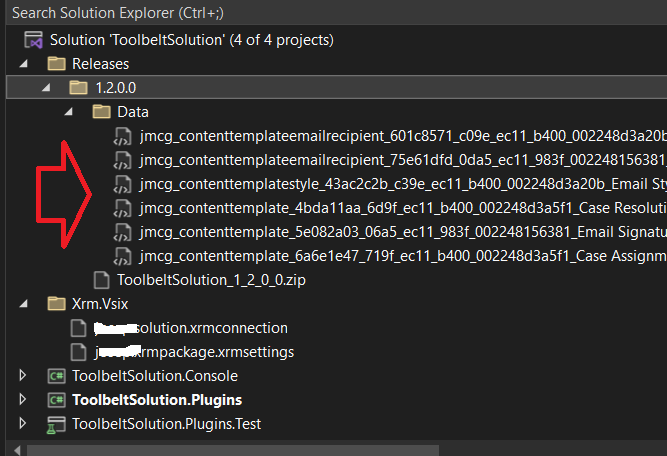
Once satisfied with the included data click Next to initiate the process. Once completed the included data will be appended or overwritten into any records already present in the release folder
 JM SOFTWARE