Here I’ll go through a basic content template which will be populated with data from the case entity and made available on via the ribbon. This example is limited to only a basic HTML paragraph with a field placeholder to demonstrate the core functionality
First create a new Content Template. This custom record type can be created just like any record type through the WEB UI
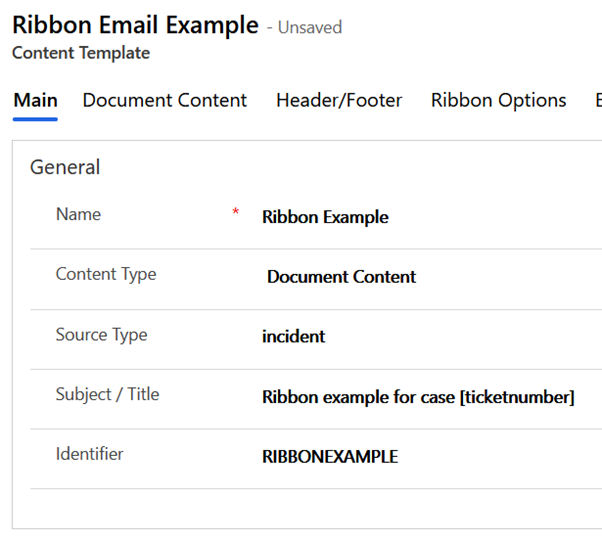
In the first tab of the form, type a left as Document Content and populated as below. Note logical name is entered for the source record type in the case incident
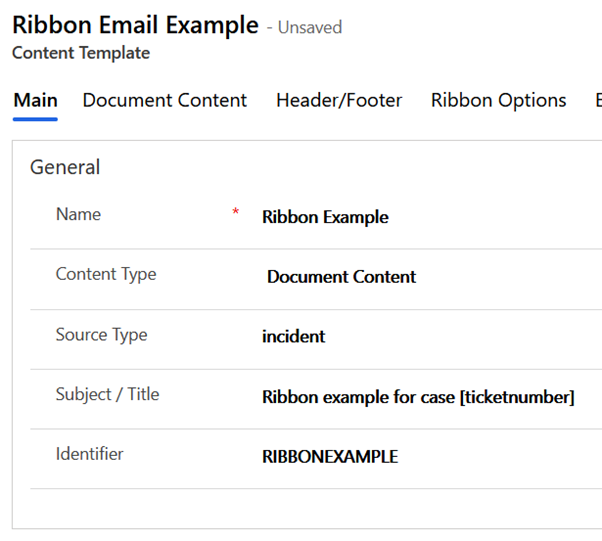
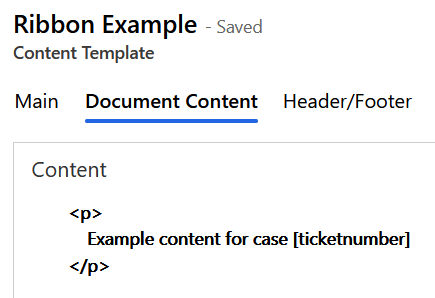
The Document Content tab contains HTML content for the template. Very basic for this case, but note I have inserted a field token which will be replaced by the case number when the template is applied
Moving to the Ribbon Options tab the template is enabled for Word, PDF & Email on the ribbon. Note these document generation options simply stream and download the document locally via a temporary HTML link, whereas the others open the document as a note or create and open it in SharePoint

To finish the template configuration email options are added to initialise the from and to parties when a new email is created

This screenshot shows the field token used for the Customer email recipient

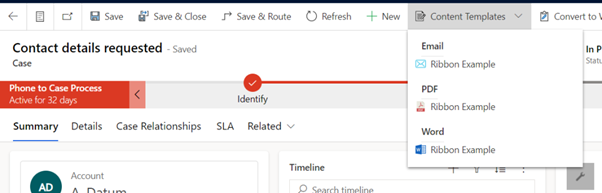
With the template configured it is now made available for use on the case form ribbon. Opening an existing Case I see the Content Template ribbon button with options to generate either an email or document for the template
After selecting the template, the system creates and opens a new email populated with my content

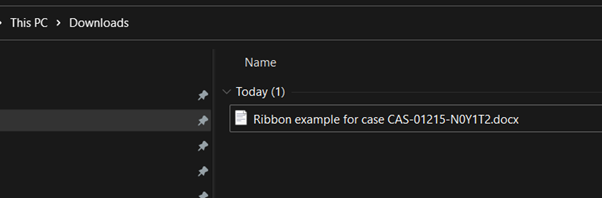
If PDF or Word is selected in the ribbon flyout then rather than opening an email a document will be downloaded using standard browser functionality. This screenshot shows a Word document which has generated and saved to my downloads folder

 JM SOFTWARE