The field modified on feature populates when the value of the configured column is changed. This is for instance useful if you want to automatically capture the date a particular action was performed on a record
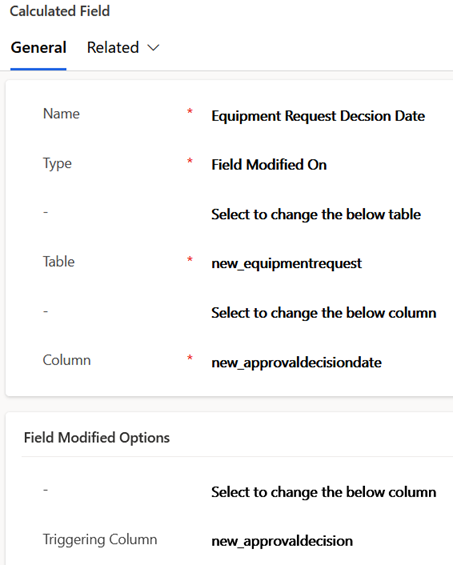
Creating a field modified on calculation only requires entering the type, and the table and column details in the first 2 sections. This example captures the date an approval decision is made on an equipment request record
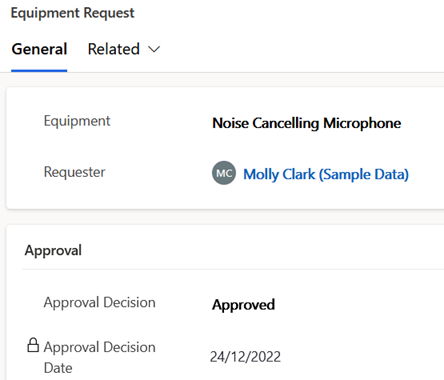
This screenshot shows the field having been auto-populated for this example after entering and saving an approval decision
 JM SOFTWARE